Nov 20, 2026 · Clipfinch Team · 6 min read
Social media scheduling for gyms in Miami: a plan built around snowbird season, the January rush and summer heat
Social media scheduling for gyms in Miami works best when it follows Miami's calendar rather than the national one. Plan for three peaks: seasonal residents arriving in fall, the January rush that runs into marathon training, and a summer when members work out early to beat the heat. Batch your content once a month, schedule it in Eastern time for early morning and early evening, and post in English and Spanish where your members do.
This guide is for owners of independent gyms, boutique studios and personal training businesses in Miami-Dade, and the freelancers who run their accounts. It covers the seasons, a weekly schedule, bilingual posts and how to film a month of content in one afternoon.
The Miami gym year in four seasons
Most gym content plans assume a cold winter and a summer "beach body" push. Miami turns that around. Your busiest stretch overlaps with the months the rest of the country hides indoors.
| Season | What's happening | What to post |
|---|---|---|
| October to November | Seasonal residents return, the weather cools a little | Class schedule changes, short-stay and seasonal memberships, "welcome back" posts |
| December to February | New Year joiners, tourists, marathon and half-marathon training | Beginner guides, first-week walkthroughs, running strength sessions, early class times |
| March to May | Spring break crowds, seasonal residents start leaving | Member progress (with consent), outdoor sessions, referral pushes before people leave town |
| June to September | Heat, humidity, afternoon storms, hurricane season | Early morning classes, indoor workouts, closure and storm updates |
Two dates matter most. Build your January content in late November and early December, so it is queued before the holidays take your time. And if your members run, the Miami Marathon in late January or early February is worth a four-to-six week strength series leading up to it.
Hurricane season runs from June through November. Keep one ready-made "closed today, here's when we reopen" post template for every channel, so you can publish it in a minute when a storm changes your hours.
A weekly schedule that fits Miami members
Miami gym-goers split into before-work and after-work crowds, with midday mostly empty in summer. Schedule posts to land just before those windows, in Eastern time. If a freelancer runs your account from another time zone, check that your scheduler is set to the gym's time, not theirs.
| Day | Morning (around 6 to 7 a.m.) | Evening (around 5 to 6 p.m.) |
|---|---|---|
| Monday | Week's class schedule as a carousel or story | 30 to 45 second coach tip video |
| Tuesday | None | Member or class clip |
| Wednesday | Short form check video | Story: today's spots left in evening class |
| Thursday | None | Trainer introduction or behind-the-scenes |
| Friday | Weekend class times and any outdoor session | Light, fun clip from the week |
| Saturday | Story from the morning class | None |
| Sunday | None | Next week's focus or challenge |
That is roughly nine feed posts a week plus stories. If that is too much, keep Monday, Wednesday and Friday, and drop the rest. Consistency matters more than volume.
Use the same video across Reels, Shorts and TikTok only when it suits each one. A crop that works in a 9:16 vertical frame can cut off a trainer's feet or a barbell in a different shape. Our post on how to schedule TikTok, YouTube and Instagram Reels at once covers what to check before cross-posting.
English, Spanish or both
A large share of Miami-Dade residents speak Spanish at home, and many of your members switch between both languages. You have three workable options.
- Bilingual captions. English first, Spanish below, or the other way round, depending on your members. Easiest to run, but long captions get cut off on some platforms.
- Separate posts. The same video, posted twice a few hours apart with a caption in each language. Clearer, but doubles your schedule.
- On-screen words plus a short caption. Coaching cues in both languages on screen, with a short caption. Works well for form videos.
Whichever you choose, have a fluent speaker check the Spanish, especially fitness terms. Machine translation tends to turn coaching cues into something stiff or wrong.
Batching a month of gym content in one afternoon
Most gym owners post when they remember. Batching once a month fixes that, and it fits a gym's quiet midday hours.
- Pick a quiet two hours. Midday on a weekday works for most Miami gyms, especially in summer.
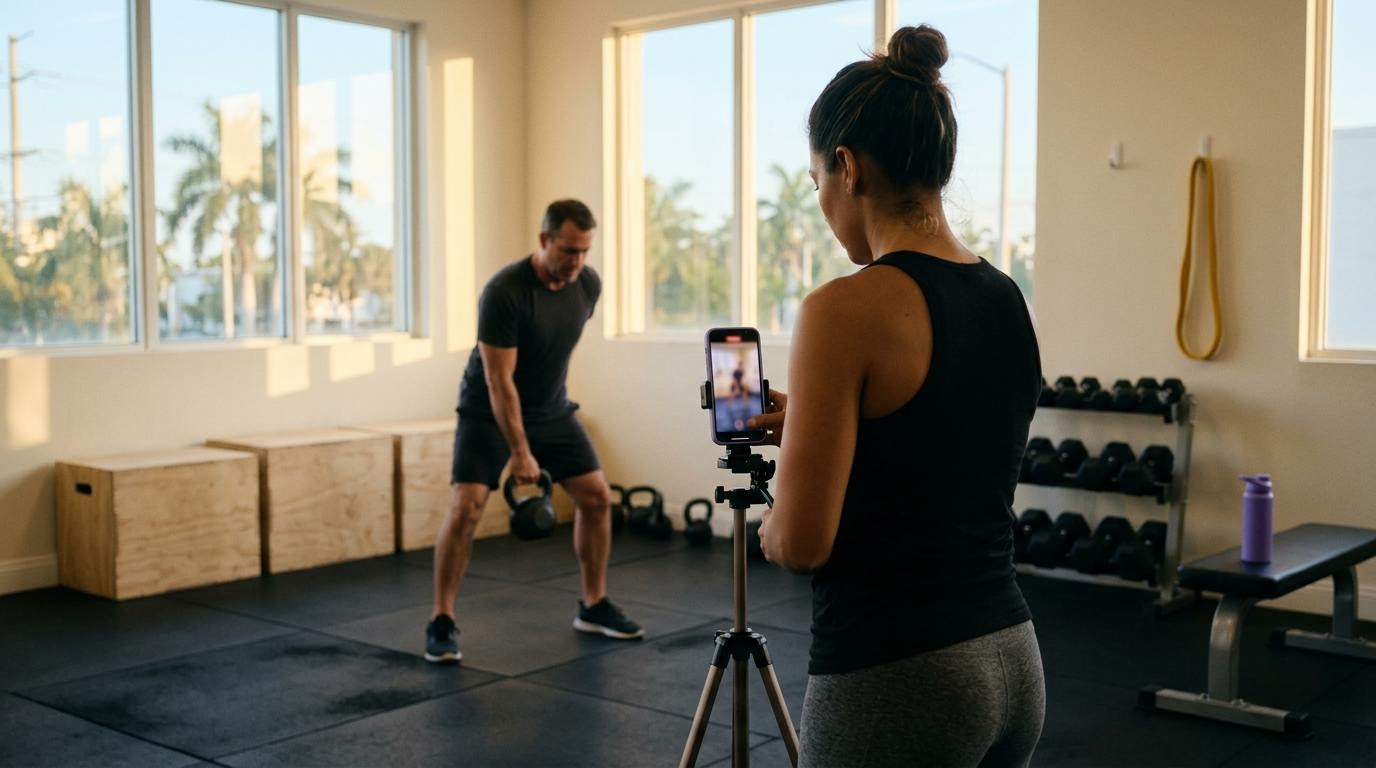
- Film from a shot list. Eight form tips, four trainer intros, four class clips and a few facility shots. Shoot everything vertically, close to window light.
- Record one full class or workshop. A 30 to 45 minute session gives you a week of short clips. Our guide to turning one long video into a week of short clips walks through the cuts.
- Trim and reshape. Cut each clip to its best 20 to 45 seconds, reshape to 9:16 for vertical feeds, and pick a clear cover frame.
- Write captions in one sitting. Both languages, one call to action per post: book a class, try a session, or message to ask about seasonal memberships.
- Schedule the month. Load posts into your weekly slots and leave two open slots a week for things you can't plan, like a full class or a weather change.
In Clipfinch you can trim, cut and reshape the clip, set the cover and schedule it to your connected channels from one composer. The composer checks each post against each channel's rules before it's queued, which catches problems like a video shape a channel won't accept.
Trainers, interns and member footage
Gyms often hand social media to a trainer or a front-desk intern. That works if you control two things: what goes out and whose face is in it.
- Use approvals. Let trainers draft posts, then have the owner or manager approve before anything is scheduled. Our post on an approval workflow for a small team shows how to set it up without slowing down.
- Don't share passwords. Give each person their own access to the channels they need, and remove it when they leave. In Clipfinch, admins grant access channel by channel and can revoke a person at once.
- Get consent before filming members. Ask before you record, and keep a simple written record of who agreed. Never post someone in the background of a clip who didn't.
- Disclose partnerships. If a local trainer, supplement brand or athlete posts for you in exchange for free membership or payment, the FTC expects that connection to be clear. Its guide Disclosures 101 for social media influencers explains what counts.
If you run more than one location, keep each one in its own workspace with its own channels and team, so a Brickell post never goes out on the Kendall account.
What goes wrong
- Starting January in January. By New Year's Day most people have already picked where to go. Your beginner content should be live from mid-December.
- Posting at midday. Noon slots in summer reach people who are not thinking about the gym. Aim for just before the early and evening crowds.
- Ignoring the storm template. Scrambling to write a closure post on every channel during a storm warning wastes time when you have staff to call.
- One language only. If half your front desk conversations are in Spanish, an English-only feed misses those members.
- Stock photos. Members want to see your floor, your coaches and your classes. Phone video in window light beats a polished stock image.
If you also run a food or cafe business, the structure in our restaurant scheduling plan for Chicago adapts the same way to a different city.
Frequently asked questions
How often should a Miami gym post on social media?
Three to five feed posts a week plus stories is a realistic target for a small team. Social media scheduling for gyms in Miami works better at a steady pace you can keep through summer than a burst in January that stops in March.
What time should a gym post in Miami?
Just before your members' workout windows, usually early morning and early evening in Eastern time. Check your own class bookings: the busiest classes tell you when your members are thinking about the gym.
Should gym posts be in English or Spanish?
Post in the languages your members speak at the front desk. Many Miami gyms use bilingual captions or post the same video twice with a caption in each language.
When should we start planning January content?
In late November. Film and schedule beginner content, class schedules and first-week guides so they are queued before the holidays.
Can a trainer post for the gym without our password?
Yes. Give the trainer their own access through a scheduling tool that connects through each platform's official sign-in, and add an approval step if you want to review posts first.
Ready to plan your season? Set up a workspace for your gym at /login and queue your first month of posts.